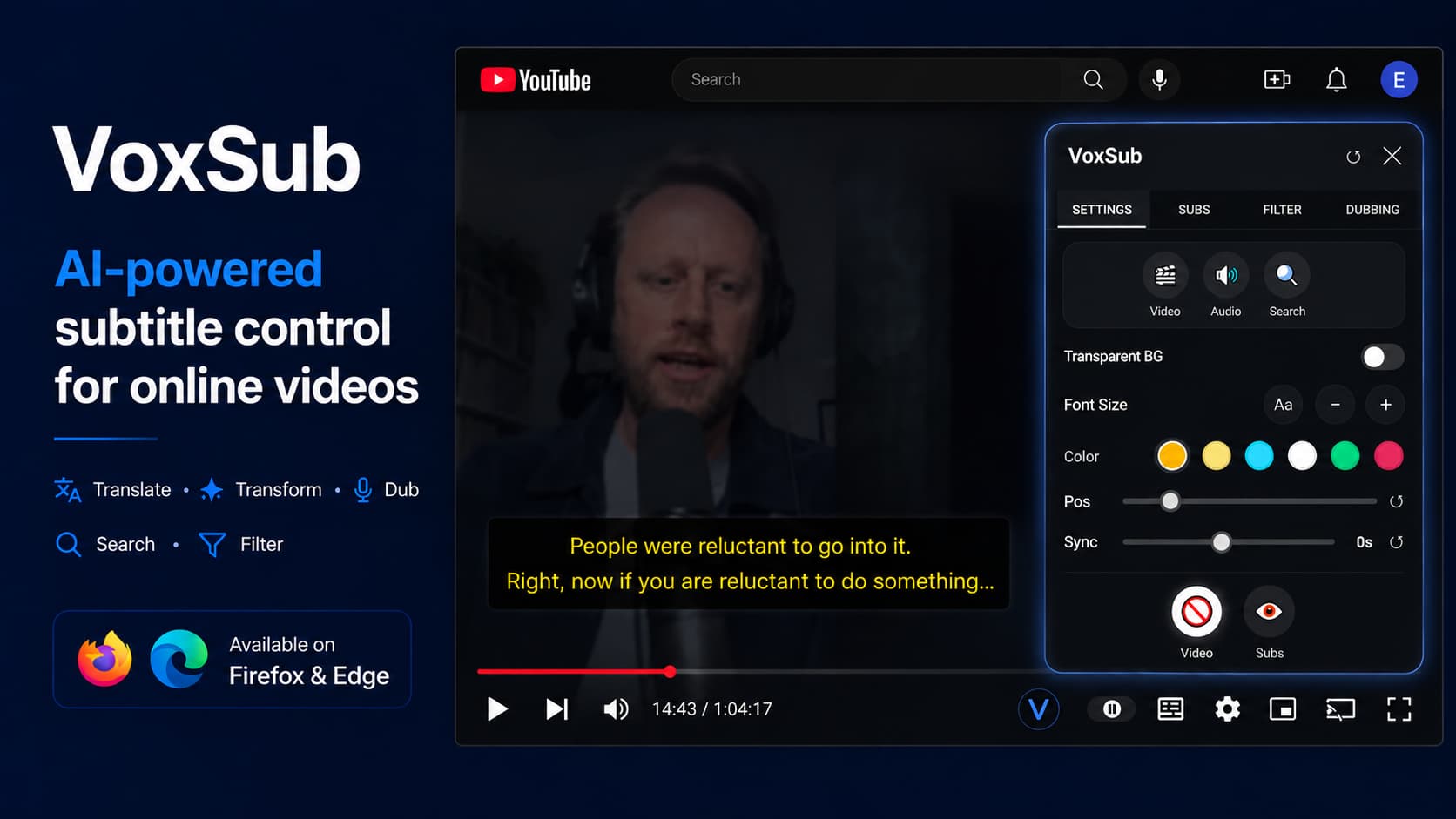
Never wait for someone to translate a YouTube video again. VoxSub instantly translates available YouTube subtitles into your language while you watch.
Why VoxSub
Everything you need to watch, learn, translate, and control subtitles.
Display the original subtitle beside a translated or rewritten version while watching.
Translate, simplify, rephrase, or rewrite subtitles into supported dialects using your own prompts.
Generate voice playback from subtitles through supported AI voice services when configured with your own API key.
Create profiles to replace words, skip subtitle segments, or mute selected audio parts while watching.
Search for words or phrases inside detected or uploaded subtitles and jump directly to the matching timestamp.
Upload your own subtitle files and use translation, search, filtering, editing, and dubbing features normally.
Product Tour
Take full control of subtitles, translations, and sound while streaming.
Display the original subtitle beside a translated or rewritten version while watching YouTube videos.
Generate voice playback from subtitles through supported AI voice services when configured with your own API key.
Search for words or phrases inside detected or uploaded subtitles and jump directly to the matching timestamp in YouTube videos.
Fix out-of-sync subtitles in seconds. Adjust timing with global offset, one-click sync, or drift correction.
Simple Setup
Add the extension to your browser and open any video page.
Use detected subtitles or upload your own subtitle file.
Apply AI translation, subtitle profiles, search, dubbing, and visual customization while watching.
Power User Features
Create custom subtitle profiles to replace words, skip subtitle segments, or mute selected audio parts while watching.
Supported Platforms
Works on most websites that use HTML5 video players.
*Requires subtitle file upload when subtitles are not directly available.
Get VoxSub
Install from Microsoft Edge Add-ons when the listing is live. Chrome and Firefox builds are planned.
Want to support development? Visit our support page